“The Change Notification feature is easily one of my favorites. I previously had to rely on email to share design updates, pricing documents and deadlines, which resulted in mile-long email threads. Clearstory eliminates that confusion.”
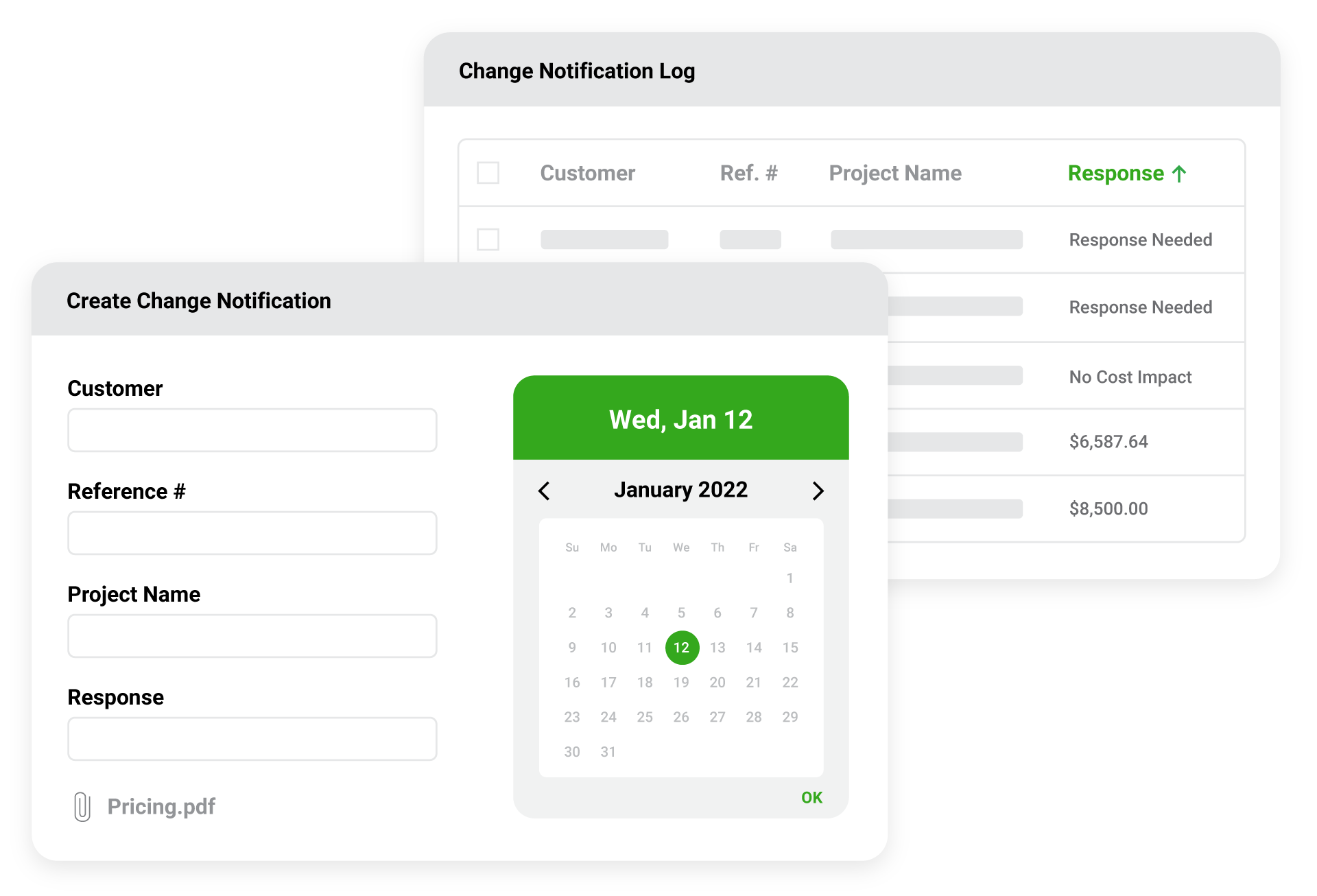
Have a new bulletin or addendum that needs to be priced by your Subcontractors? Send a Change Notification to your Subcontractors with the attached files, set a deadline and ensure that each has responded.
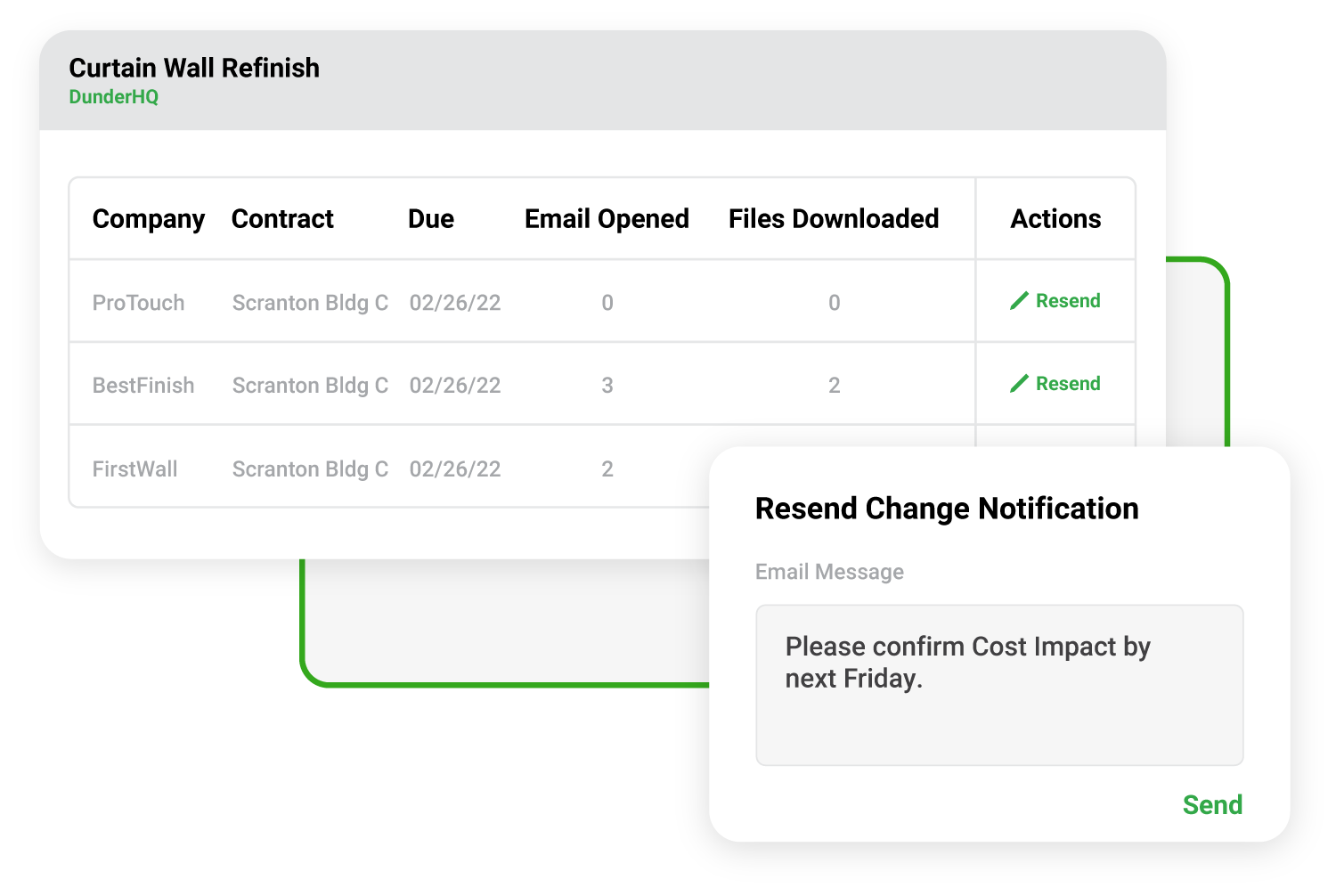
Clearstory makes communicating and enforcing pricing deadlines a breeze by showing which Subs were sent the changes and who has viewed the files. Easily send email reminders with just one click to any Sub who hasn’t responded.
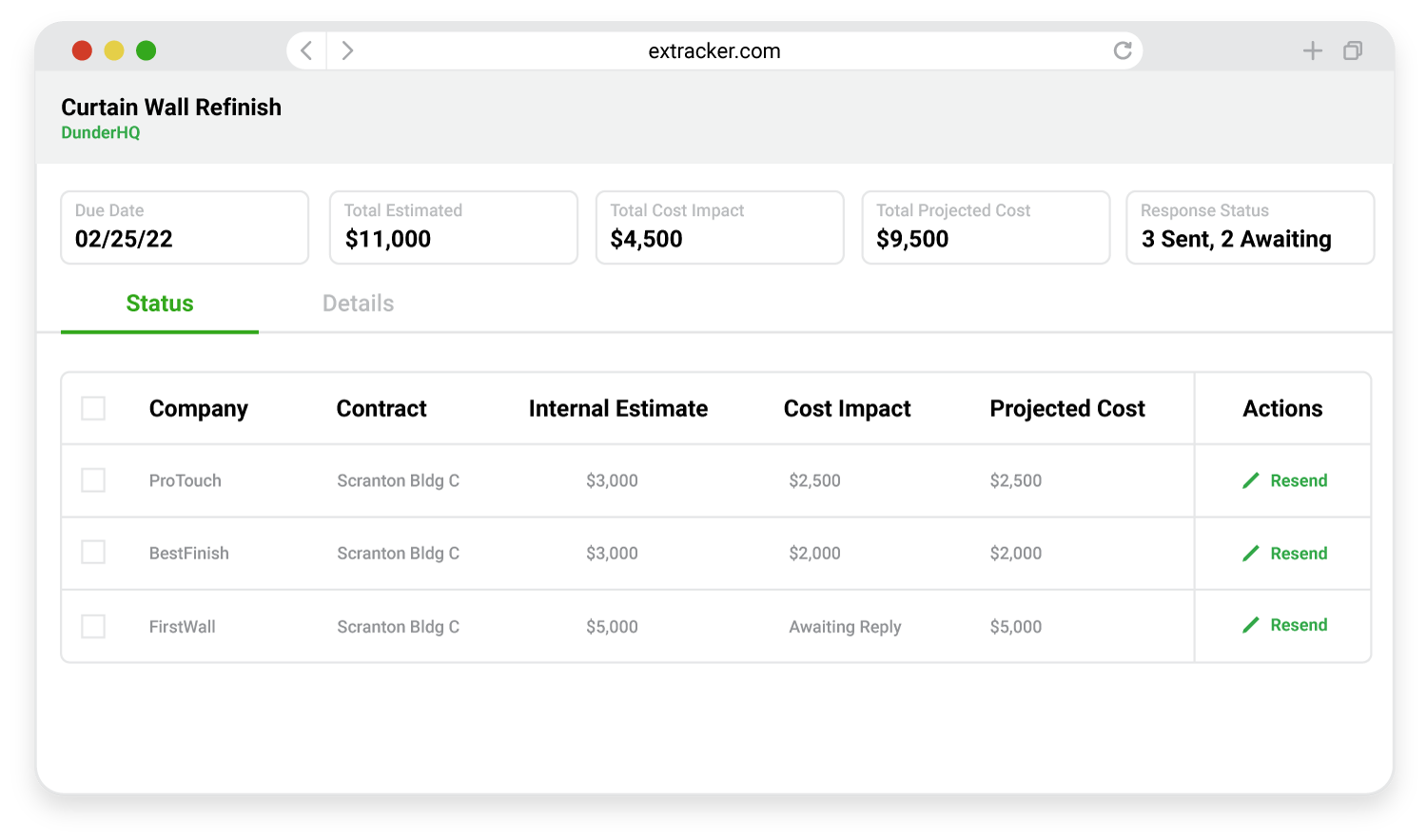
Enter an estimate for each Subcontractor and compare actual costs as they are submitted in real time. Quickly identify when changes are going over budget and notify your client.
.png)
“The Change Notification feature is easily one of my favorites. I previously had to rely on email to share design updates, pricing documents and deadlines, which resulted in mile-long email threads. Clearstory eliminates that confusion.”
Project Engineer
|Blach Construction

Track, review, mark-up, version control and more with Change Orders in real time among project stakeholders.
Ditch the carbon copy and track field-directed extra work with the Clearstory field app keeping all parties updated in real-time.
Create clean and instant Change Order Requests with our structured templates to create consistency across your company and your trade partners.
Connect Clearstory with your existing tools using our real-time integrations into ERP, accounting, project management and cloud storage solutions.
What is a Change Notification?
Change Notifications are the easiest way to distribute design changes to your Subcontractors and confirm if there are cost impacts.
How much training is required for my Subcontractors?
Zero. When you send a Change Notification in Clearstory, we send an email to each of your Subcontractors. This gives them details, including the deadline, a link to the files and a step-by-step guide on how to respond. It is ridiculously easy.
How can I get this set up?
Simply create a project in Clearstory, invite your Subcontractors and you can send Change Notifications instantly.
What if my GC wants to add review comments or rubber stamp?
Whether the GC signs directly on the device or via a remote signature request, they can add their own comments to the T&M Tag PDF. If they have a Clearstory account, they can pre-populate their own standard notes, acting like a rubber stamp.