Clearstory AI: Built for Every Side of the Change Order
Clearstory AI helps teams improve speed up the change order workflow, improve accuracy, and compress cycle time.




COR Pricing Agent
✦ Open Beta
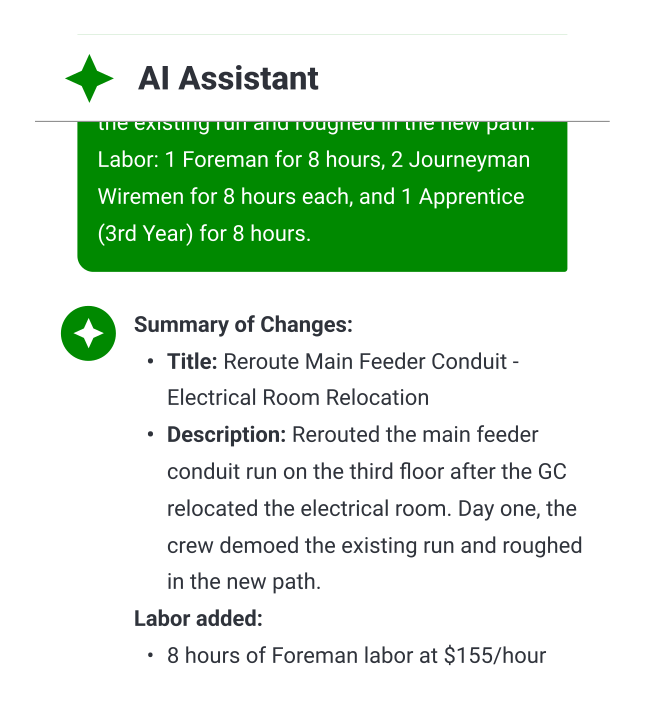
From a voice note to a fully priced COR — checked against the reviewer's standards before it's ever sent.
Clearstory AI prices change orders from voice notes, takeoffs, or drawings — pulling rates directly from the project library in minutes, not weeks. Before the COR goes out, it runs against the reviewer's checklist so the contractor knows exactly where it will pass and where it won't. Fewer rewrites. Faster approvals. Zero double data entry.
%20(1).webp)
T&M Tag Agent
✦ Open Beta
Voice notes from the field become complete, rate-matched Tags in under two minutes.
Field crews send a voice note with photos. Clearstory AI transcribes it, matches the work against the project's rate library — even libraries with 10,000+ line items in heavy civil, electrical, and mechanical — and drafts a complete T&M Tag ready for signature. Built-in Spanish-to-English translation. Prompts for anything missing, so every Tag is complete the first time.
COR Review Agent
✦ Closed Beta
Your standards, automatically applied. Review exceptions.
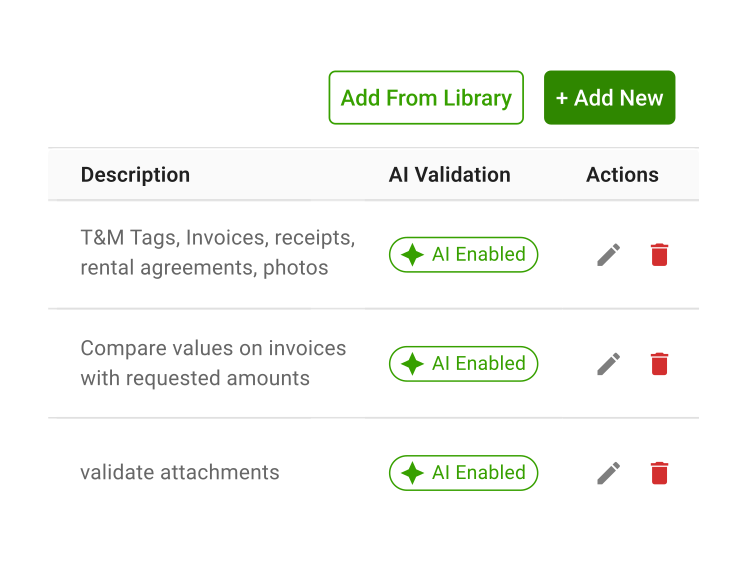
Clearstory AI reviews every incoming COR against your checklist, validates rates against approved schedules, confirms backup documentation, and prepares a response package. Reviewers focus on the handful of items that need judgment — not every line on every document.
Change Notification Agent
✦ Closed Beta
Understand the change before it leaves the door.
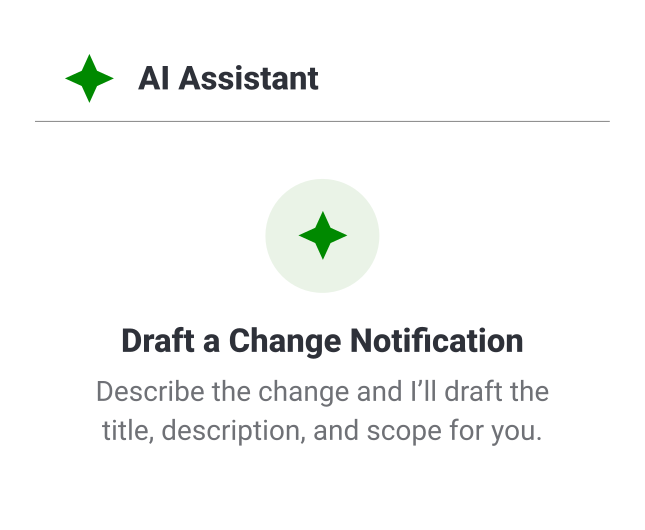
Clearstory AI analyzes the design change end-to-end, identifies which trades are impacted, flags missing information to raise with the architect, and estimates internal cost exposure. The Change Notification is drafted automatically for review and distribution — to every sub who needs it, with full context attached.
Beyond the Four Agents
-
Bulk AI Import Agent
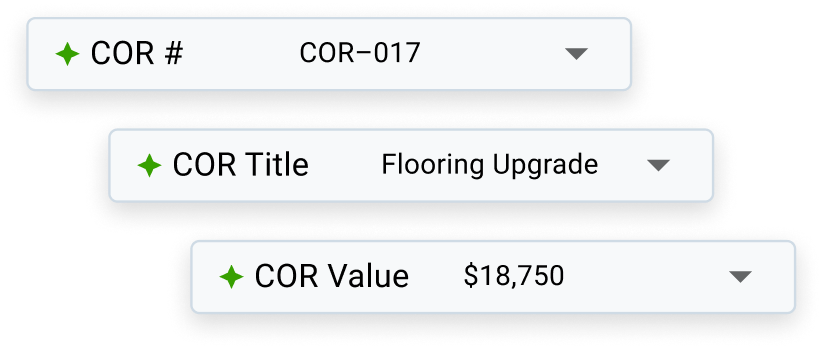
Upload an existing COR log to get started with Clearstory on a project midway. Just load your existing PDF or spreadsheet COR log and Clearstory AI instantly maps it into structured, organized Change Order Requests. It's the fastest way to get everything into one place.
-
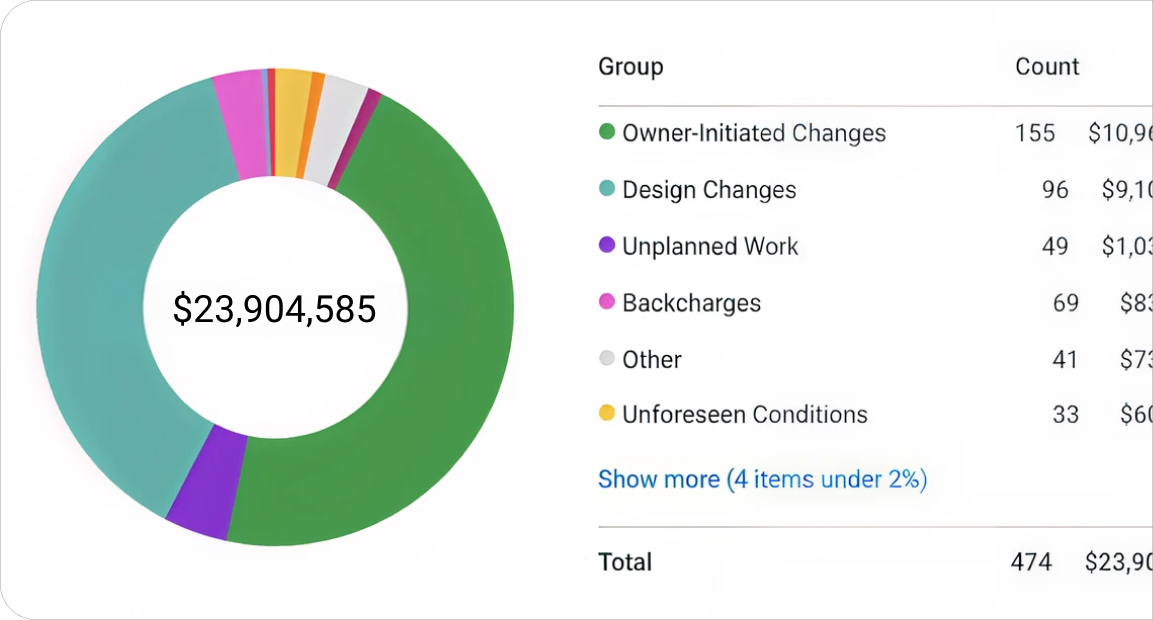
AI Reason Categories Agent
Clearstory automatically assigns every COR a Change Order Reason — transforming disconnected data into a powerful layer of Change Order Intelligence. Instantly surface portfolio-wide insights, pinpoint cost drivers, and improve processes to prevent future issues.
- Run a one-time backfill of your entire COR Log to uncover trends that help optimize in-flight and future projects
- Leverage the Reason Categories Report for data-backed analysis of cost-overruns, scope changes, and bottlenecks
- Create custom categories that capture change reasons unique to your projects and workflows
Our Approach to AI
Clearstory AI is built to accelerate change order workflows so teams can move faster with confidence.
It streamlines imports, documentation, and reviews with full clarity and control built in.

Workflow-first AI
AI shows up where it helps—inside the workflows your team already uses. Clearstory AI streamlines high‑friction tasks like imports and reviews.

People in Control
Clearstory AI never acts without human review. From project opt-outs to final approvals, Clearstory AI is built to support your team’s expertise, not override it.

Governed at Every Level
Admins and PMs can manage where AI is used. Control AI access at the company level or project by project. It fits your process, not the other way around.

Clear & Predictable
Clearstory AI is clearly labeled and easy to understand. No guesswork, just full clarity on what it's doing, and why.
Want to see Clearstory AI in action?

AI Governance Built for
Real Project Constraints
Clearstory gives construction teams full control over how AI is used, from the company level down to individual projects. Whether you're running one job or managing a national portfolio, AI can be enabled, limited, or turned off entirely to fit your workflow.
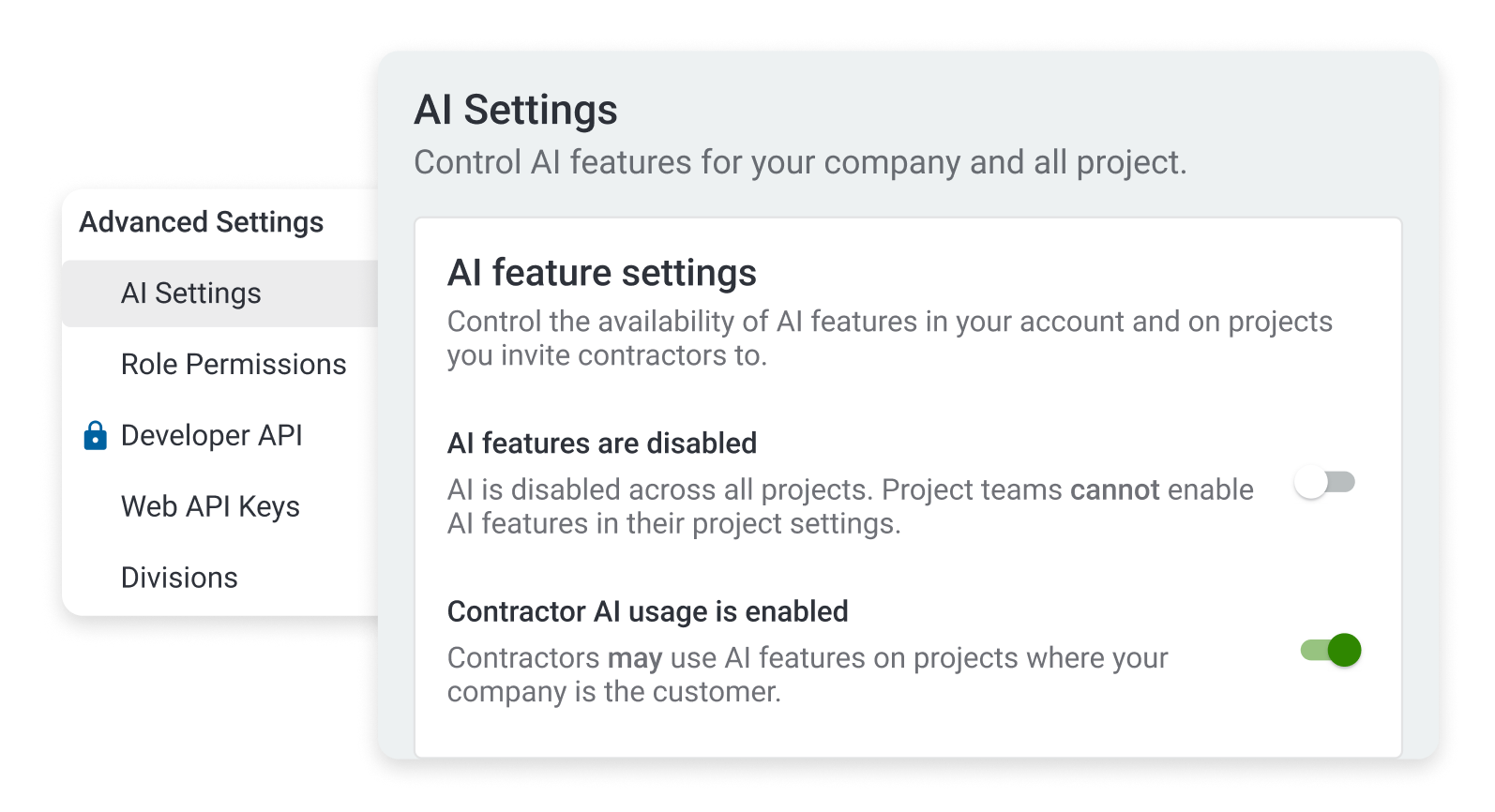
Company-level Control
Account owners can enable or disable AI across the entire organization.
Project-level Opt-out
Admins and PMs can turn off AI on specific projects if needed.
Saved Permissions
If AI is turned off on a project, that setting stays in place even if the company policy changes later.
Company Defaults
Projects follow your company’s AI settings automatically unless you choose to override them.
Want to Put Clearstory AI to Work?
See how Clearstory AI speeds up reviews, clears the clutter, and keeps your team locked in on the work that moves the job forward.