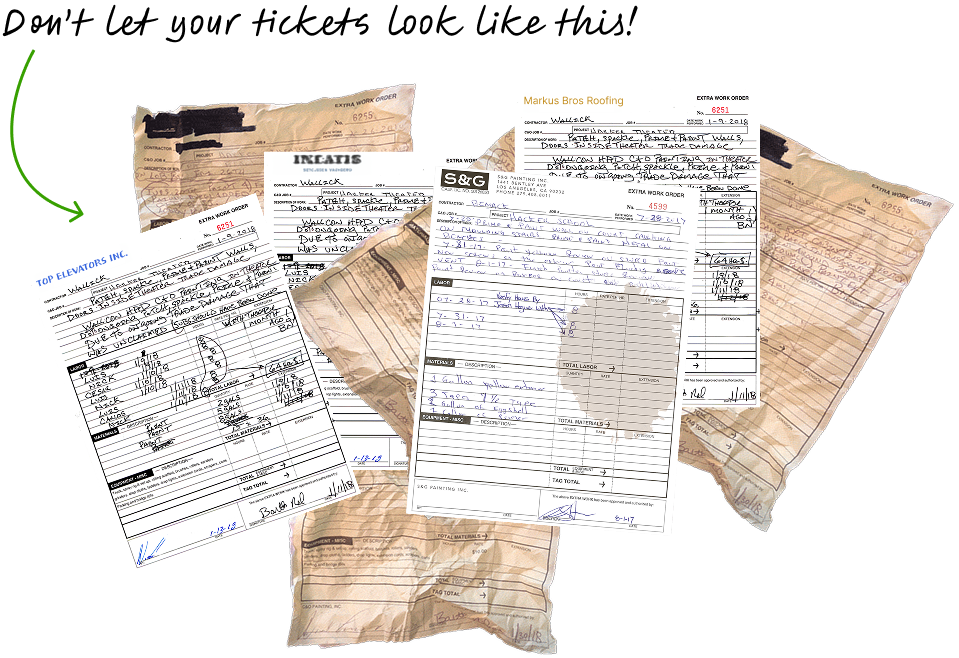
Why Paper Tickets Cost You Time and Money
65% of Specialty Contractors are still using carbon copy paper to track field-directed extra work. Paper T&M tickets are easy to lose and, like fillable PDF forms, are prone to errors that delay approvals and put revenue at risk.
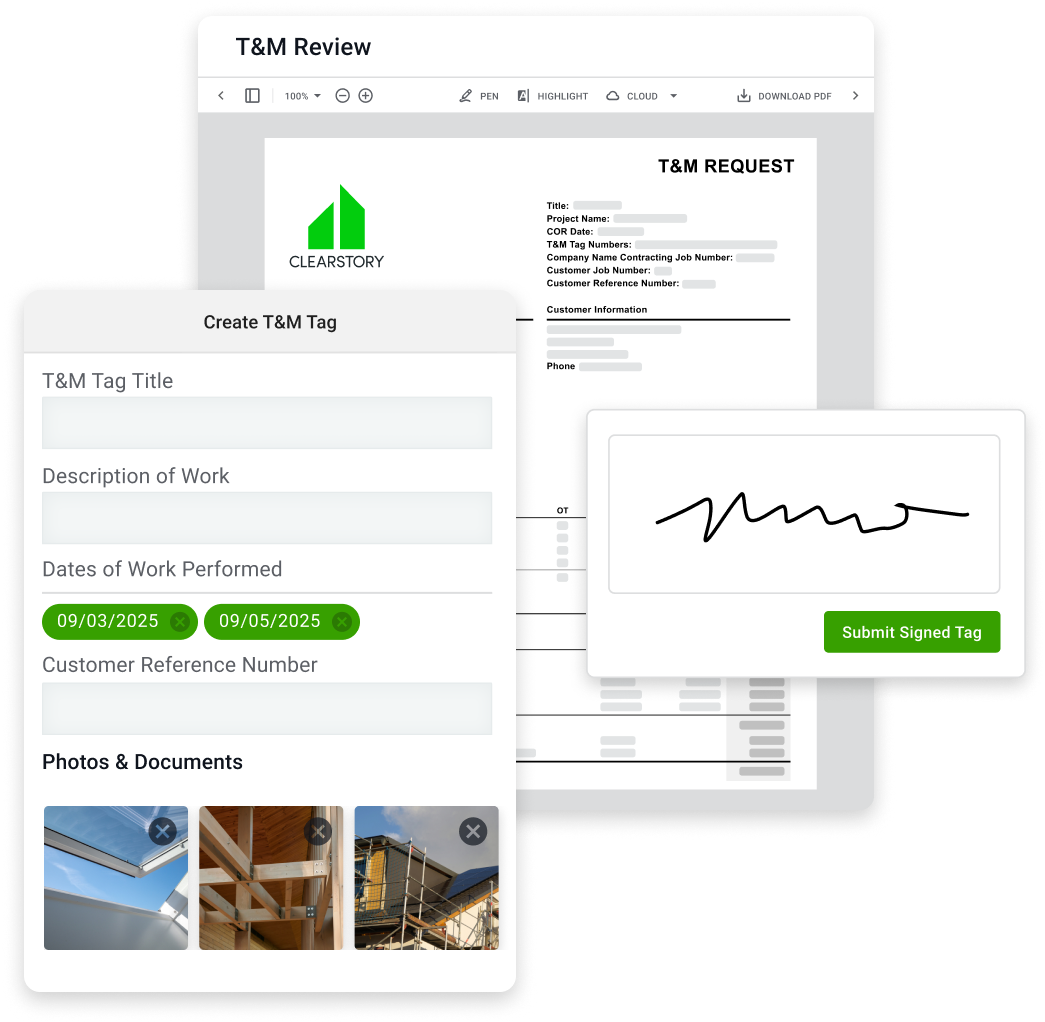
Create T&M Tags from Anywhere, Fast
Anyone on your crew can create a T&M Tag in seconds — no delays, no paperwork. With pre-populated form fields and simple drop-down pick lists it’s easy to document work as it's happening.
- Designed for fast field adoption
- Use dropdowns for labor, materials, and equipment
- Syncs to your T&M Log in real time, no re-entry needed
- Customize T&M Tags with your logo and address
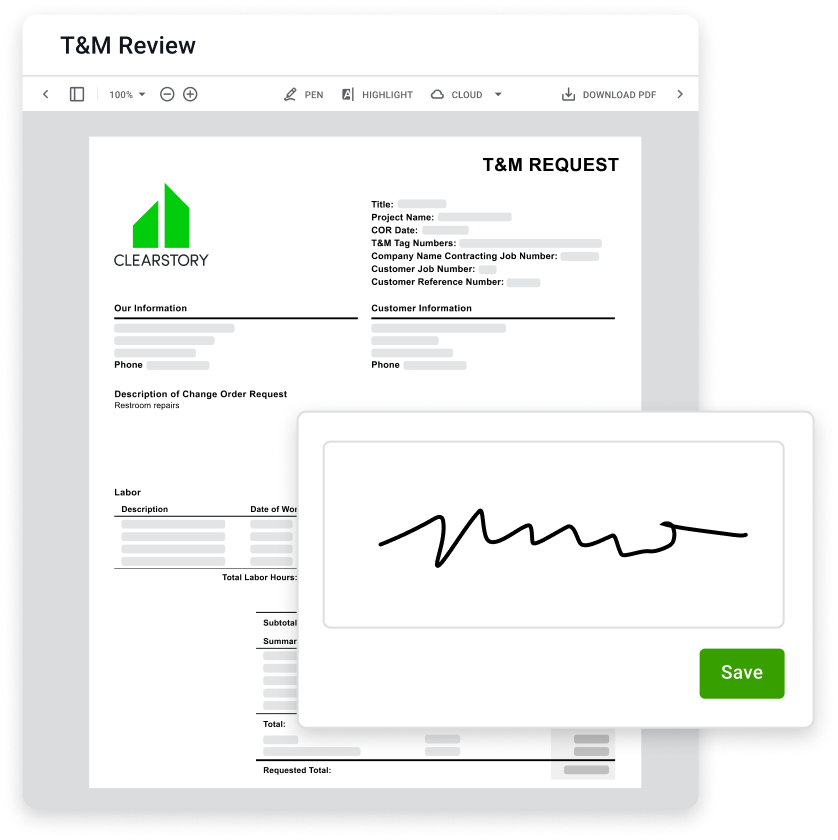
Get Signatures in Seconds On Any Device
Once your ticket is created, foremen, superintendents, and project managers can sign off instantly using their phone, tablet, laptop, or desktop — wherever they are.
- Request signatures from one or multiple recipients
- E-signatures on any device — no app download required
- Signed T&M Tags are automatically locked and logged
- Instantly send your customer a PDF copy of any signed Tag
Capture Pictures That Tell the Whole Story
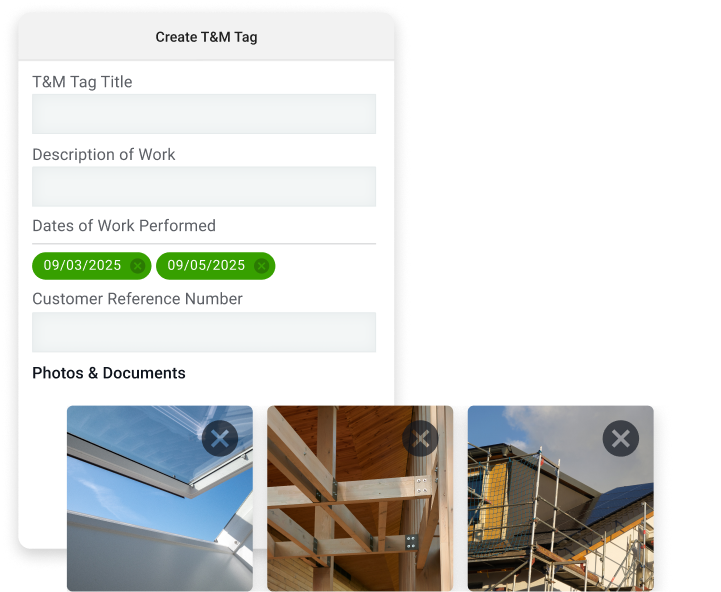
No more guessing what happened. Photos show the work, the scope, and the why, all in one place. Never have an email bounce back due to file size limits.
- Time-stamped images eliminate disputes
- Attach photos and documents with a single click
- Provide a complete visual record for every T&M Tag
See What’s Happening Across Projects
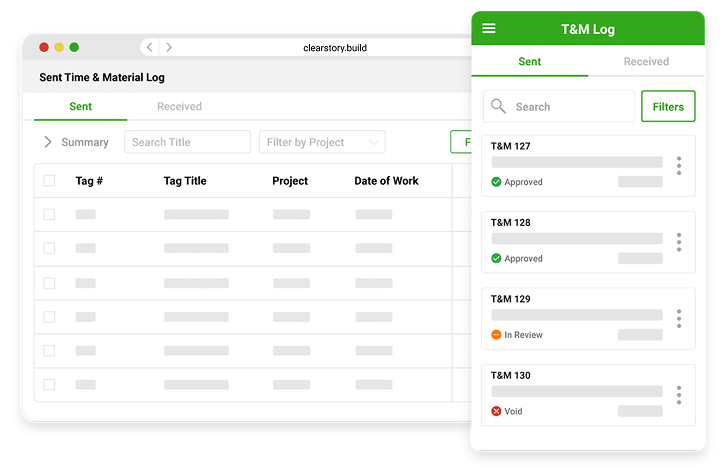
Every T&M Tag created in Clearstory is synced to the job's live T&M log — so you always know what's been submitted, signed, or still in progress. With filtering by GC and project, you’ll eliminate lost tickets, transcription errors, and backlogs
- Filter tags by project, GC, or date
- See real-time status (Draft, Submitted, Signed, Approved)
- Add consistency across all your project teams
Price Tags Instantly
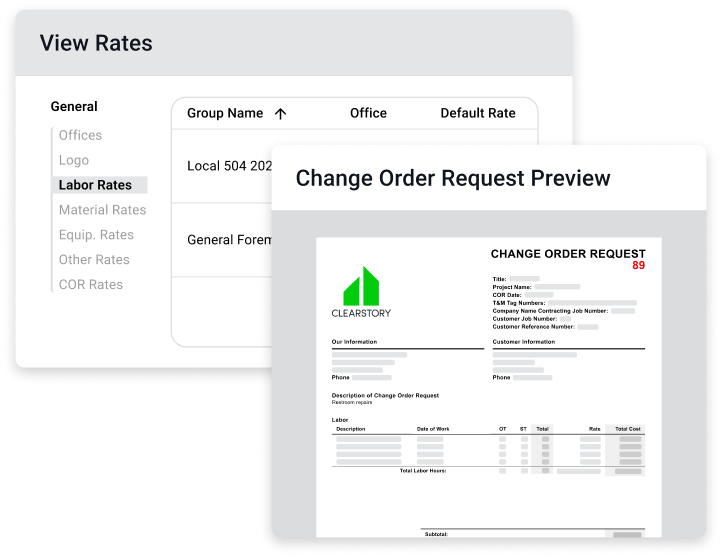
With Clearstory your can store Change Order rates across your entire company or make rates project specific, then instantly convert signed tags into fully priced out CORs.
- Same day pricing
- Reduce days aging
- Keep your customer up to date instantly
How It Works
So easy, even your most old-school superintendent can do it. Just follow these steps:
1. Download Our App and Go
Sign up for a free Clearstory account, download our mobile app, and start creating T&M Tags today. No training required.

2. Add Labor & Material Details
Add labor, material, and equipment items on the fly or import them into your account and select from dropdown pick lists.

3. Take Photos of Your Work
Snap time-stamped photos and attach documents for clear, real-time proof of the work performed — all from the mobile app.

4. Collect Digital Signatures
Get real-time sign-off from GCs right on the spot from any device — no paper, no email, no scanning, no lag.
BOOK A DEMO
Want to save hours a week and get T&M tags off your desk? Let us show you how.

“Clearstory digital T&M Tags save so much time and eliminate so much negotiation. The field guys love it because they're not having to write tickets and send me a bunch of pictures, and the GCs love it because it’s organized, clean, and always up-to-date.”


Shamrock Painting
Explore Other Use Cases

Shareable Cloud-Based Change Order Log
Track, manage, and share Change Orders in real time and stay aligned with GCs for faster approvals

Instantly Price T&M Tickets
Price T&M Tickets in seconds with pre-populated labor and material rates to capture costs in just a few clicks.

Change Order Request Templates
Speed approvals by sharing clean, professional, error-free Change Order Requests with your customers.

Manage COR Rates Company-Wide
Add custom labor, material, equipment, and markup rates by project or across your whole company.

Analytics and Insights
Use real-time dashboards to avoid payment delays from aging CORs and unresolved T&M Tags.

Integrate With Your Financial Software
Complement your existing systems and sync data in real-time for total visibility and rock-solid forecasting.

Improve the Quality of Documentation
Eliminate hand-written T&M Tags in the field, confusing COR coversheets and excel COR logs prone to error and bring clarity to all stakeholders on the project.

Allowances & Contingencies
Track usage in real time to avoid last-minute surprises and eliminate related budget overruns.
Tired of chasing paper tickets? See the log that updates itself.